Sales receipts
With your business name, taxes, discounts, payment method and change.
 Easy Thermal Print
Easy Thermal Print prints receipts, kitchen orders, QR codes, barcodes, photos and PDFs on 58 mm and 80 mm thermal printers. Connect your printer over Bluetooth, WiFi or USB and print.

No ads · No subscription · No watermark
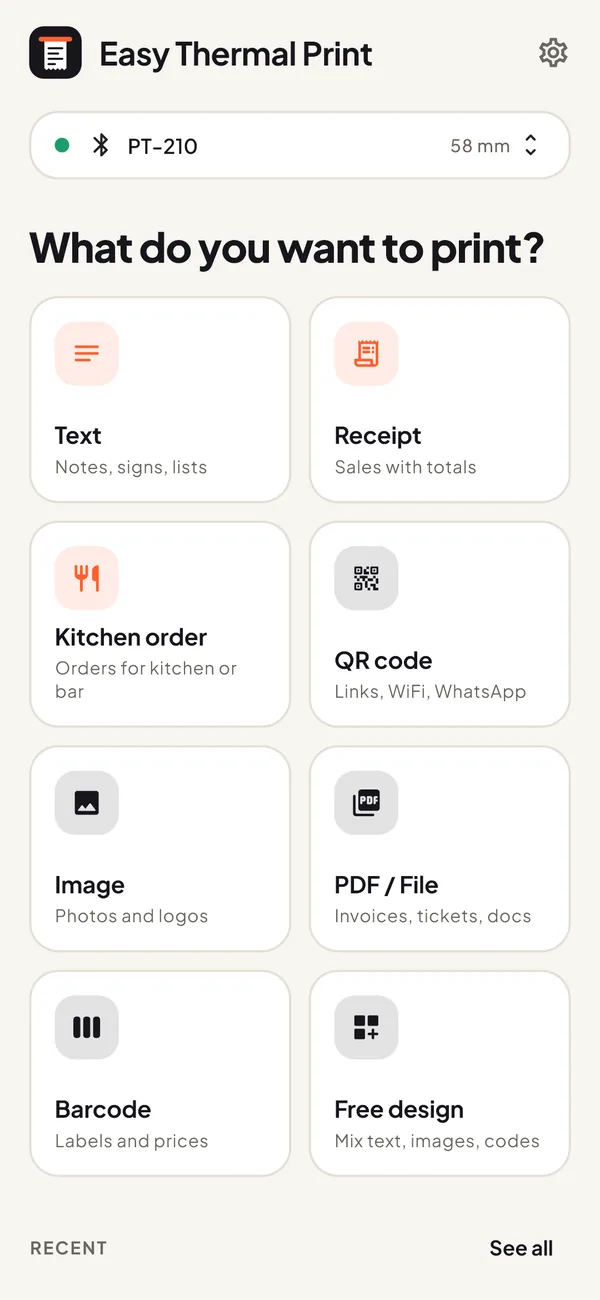
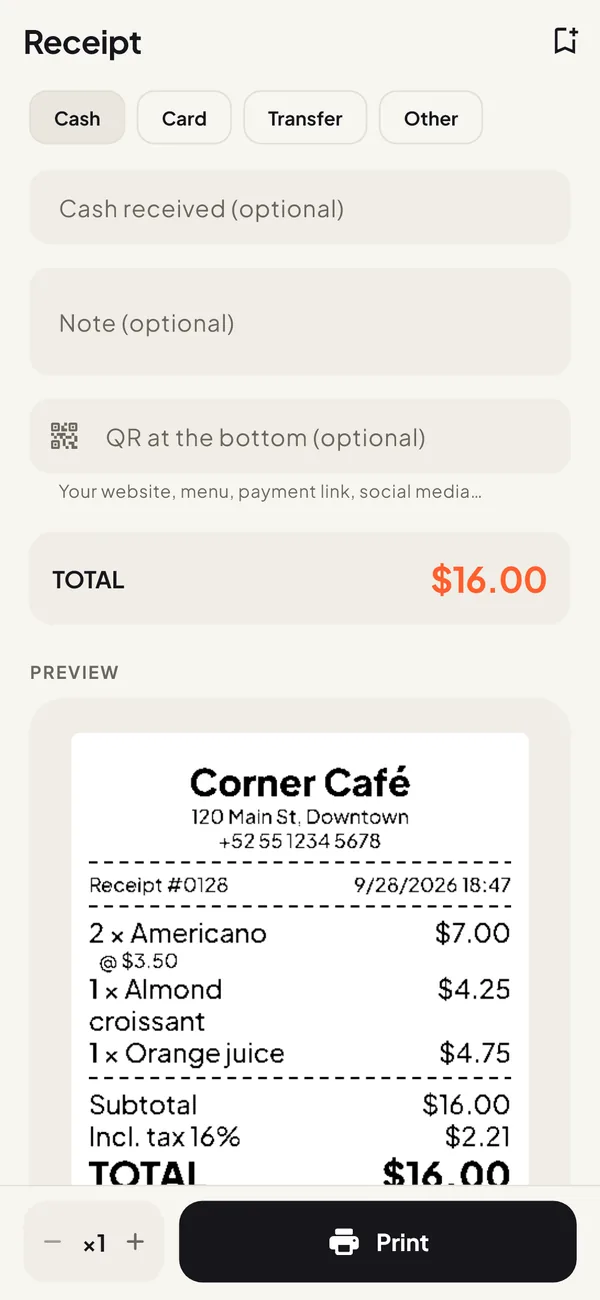
With your business name, taxes, discounts, payment method and change.
Table, takeaway or delivery, in big type you can read from across the kitchen.
For your menu, WiFi network, WhatsApp, website or a payment link.
For prices and inventory: Code 128, EAN-13, EAN-8, UPC-A, Code 39 and ITF.
They print sharp and detailed on thermal paper.
Invoices and tickets from WhatsApp, email or your POS: tap Share and choose Easy Thermal Print.
Notes, signs and lists in any language, with accents and emoji, even if your printer lacks them.
Mix text, images, QR codes, columns and lines on one ticket.
The preview shows exactly what your printer receives. No surprises, no wasted paper.
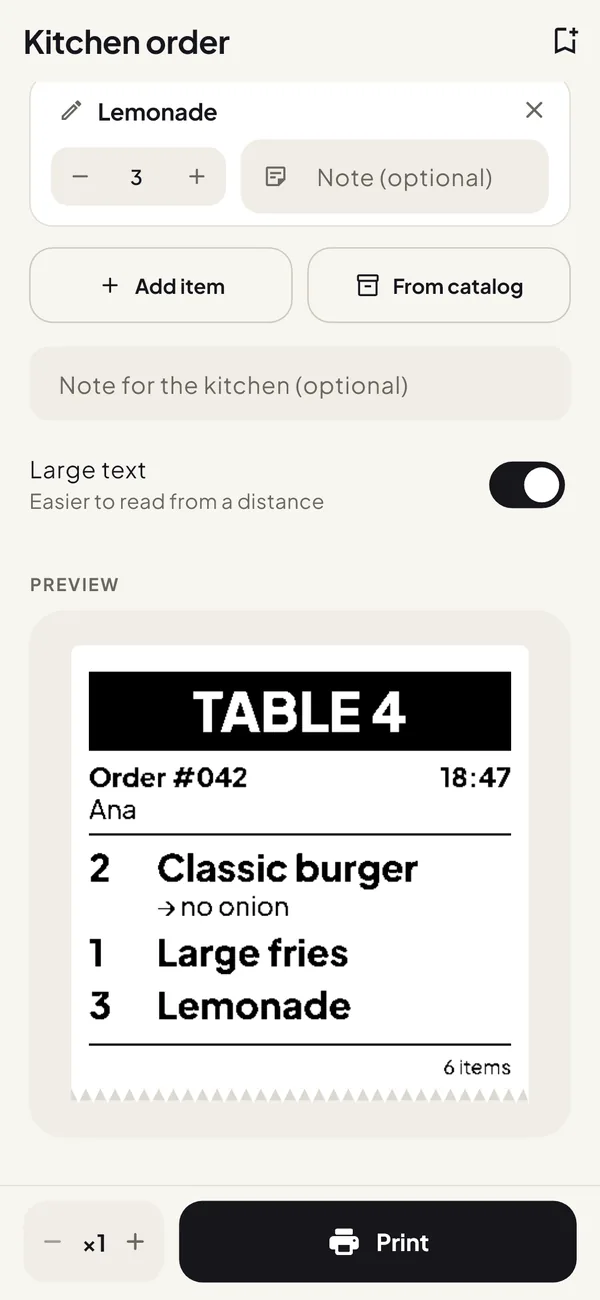
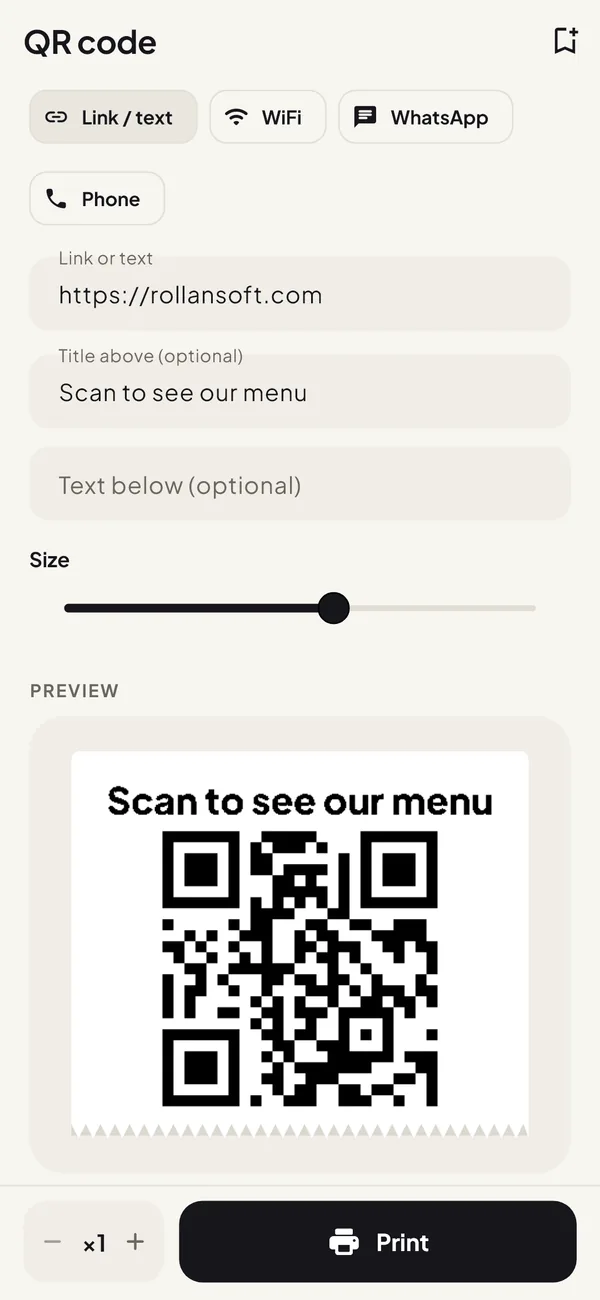
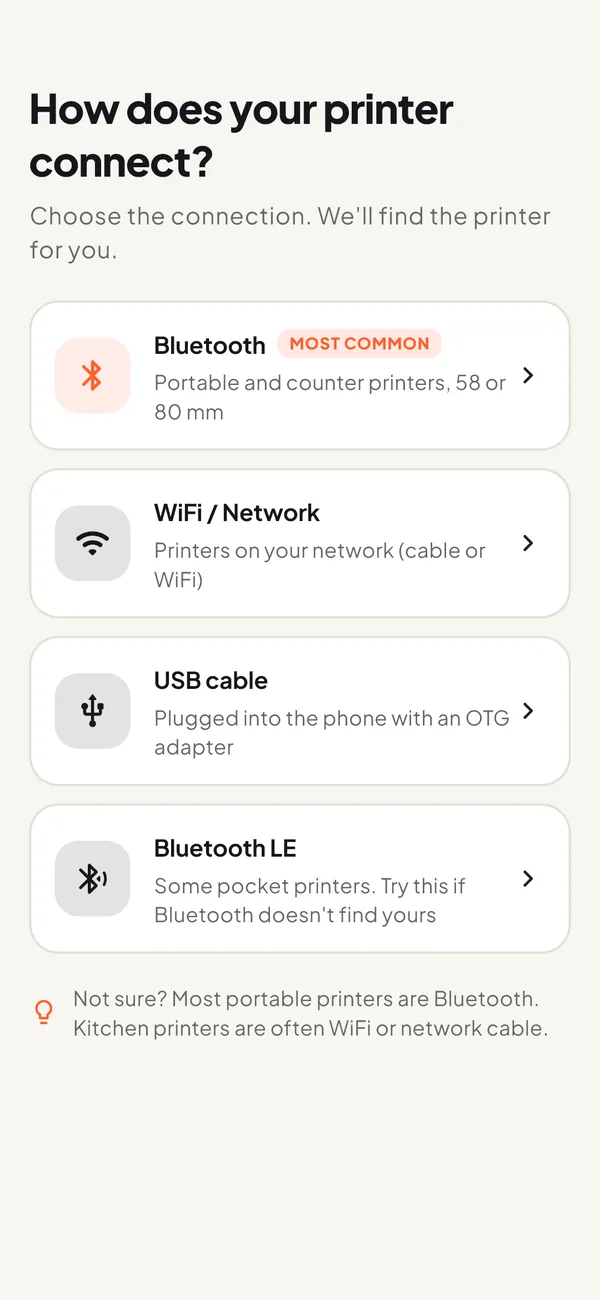
Bluetooth, WiFi/network or USB cable. Not sure? Almost every portable printer is Bluetooth.
It searches on its own, even if you never paired the printer, and lets you print a test page to check everything comes out right.
Choose what to print, check the preview and tap Print. If something looks off, fix it with one tap: edges cut off, too light or strange symbols.
If your receipt printer, POS printer or portable mini printer speaks ESC/POS, the standard almost every thermal printer uses, it most likely will.
Printer not showing up or not printing? Email support@rollansoft.com with the brand and model.
Forever, with no ads
No subscription. Google Play shows the price in your currency.
Works offline, needs no account and has no ads or tracking. Your designs, catalog and history never leave your phone. Read the privacy policy.
Most 58 mm and 80 mm receipt printers that use ESC/POS, over Bluetooth, WiFi/network or USB. It is the standard of common models such as the PT-210, MTP-II, Xprinter XP-58 and XP-80 or Epson TM-T20. "Cat printers" and Niimbot-style label printers use their own protocols and are not supported.
Turn the printer on, open Easy Thermal Print, choose Bluetooth and tap your printer in the list. The app finds it even if you never paired it; if it asks for a PIN, it is usually 0000 or 1234. Then print a test page to check everything comes out right.
It is free, with no ads, no subscription and no watermark. Every connection and every print type is included. Pro is an optional one-time purchase for unlimited printers, designs and products, plus your logo on receipts.
It is a one-time payment, not a subscription. The price depends on your country (US$4.99 in the United States), and Google Play shows it in your currency before you pay.
Yes. The free version keeps up to 2 printers and Pro as many as you want. Each one has its own paper width and settings, and you choose which one to print on.
Open the file, tap Share and choose Easy Thermal Print. The app shows a preview at your paper width before printing.
Yes. Share it with the app as an image. If the printed QR is hard to scan, turn on "Make QR scannable" and it prints sharp and easy to scan, with the same content as the original.
Yes. Bluetooth and USB printing need no internet, and for WiFi you only need to be on the same network as the printer. You don’t need an account either.
Yes. Accents, emoji and scripts such as Arabic or Hindi print correctly, even on printers that can’t print them on their own.
Yes. You choose 58 mm or 80 mm paper for each printer and the preview matches that width.
After the test page, the app asks whether it printed right. If not, tap the problem you see (edges cut off, too light, strange symbols or stops halfway), the app changes the setting for you, and you print the test again.
Yes, if the drawer is connected to the printer, as with most receipt printer setups. Turn on "Open cash drawer" in the printer settings and it opens every time you print.
Not yet. Easy Thermal Print runs on Android 7.0 or later. If you would like an iPhone version, leave your email on the waitlist at the bottom of this page and we will let you know when it’s out.
Free, no ads, no account needed.
There is no iPhone version yet. Leave your email and we will let you know when it’s out.
We will only use your email to tell you about the iPhone version.